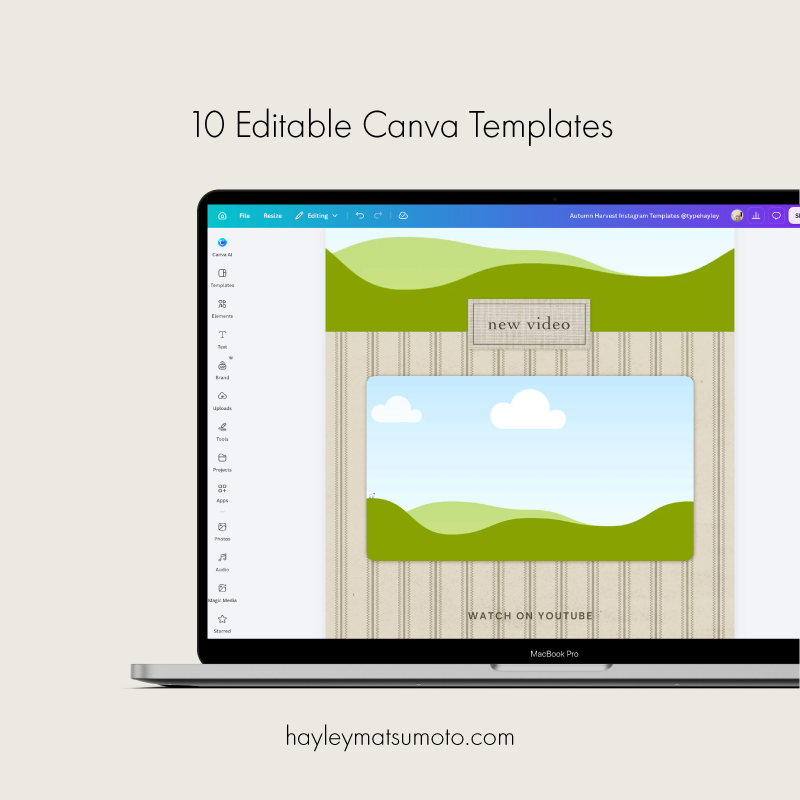
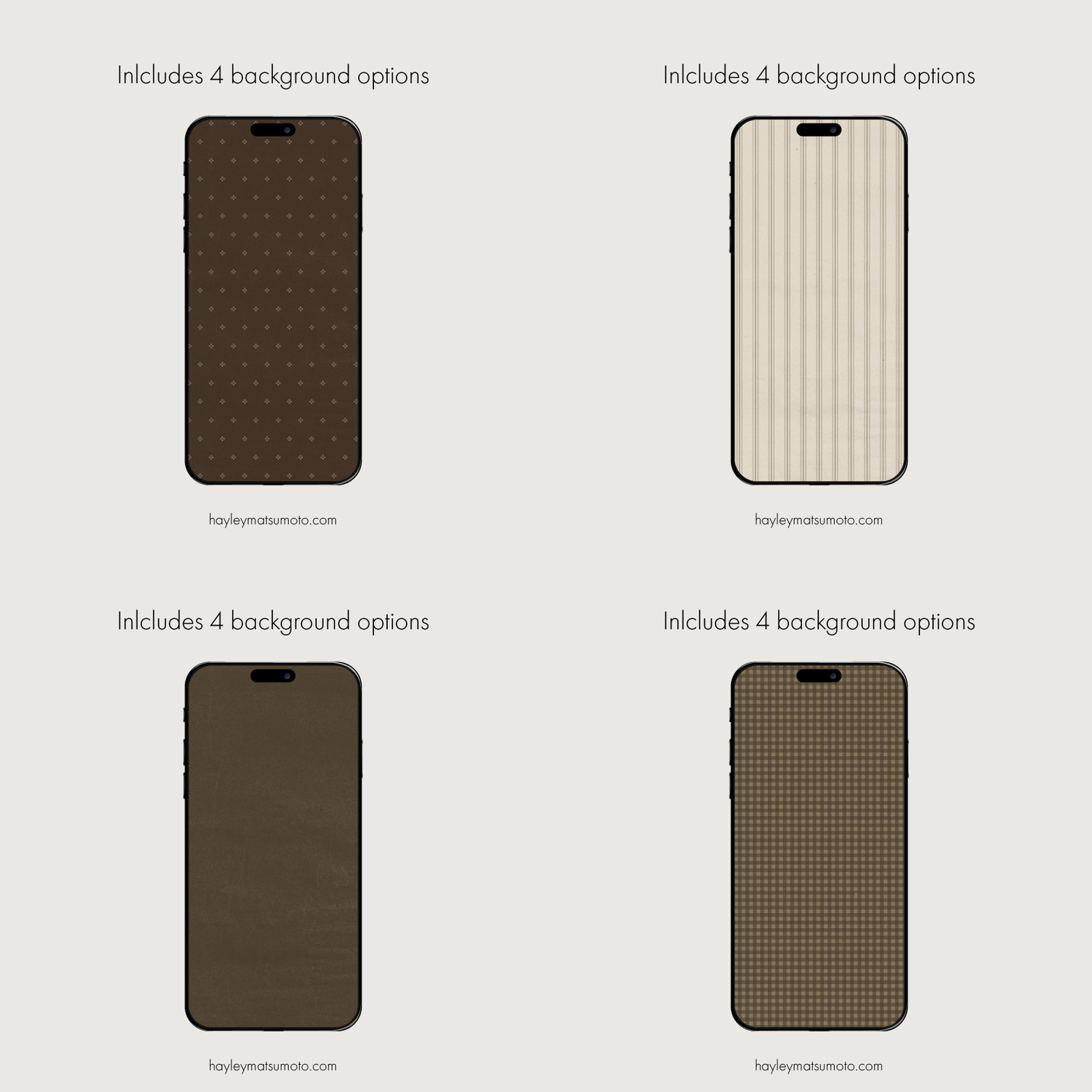
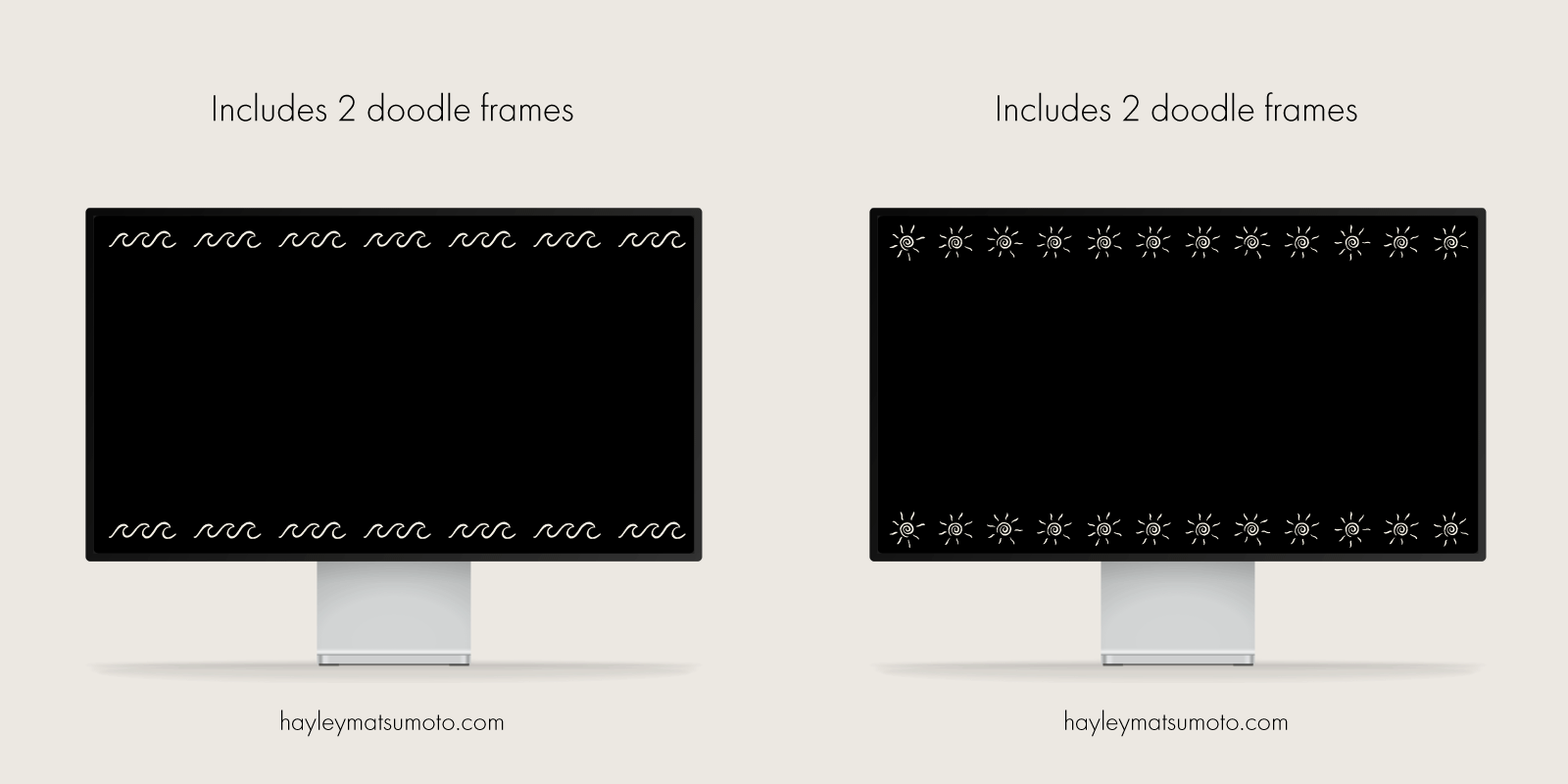
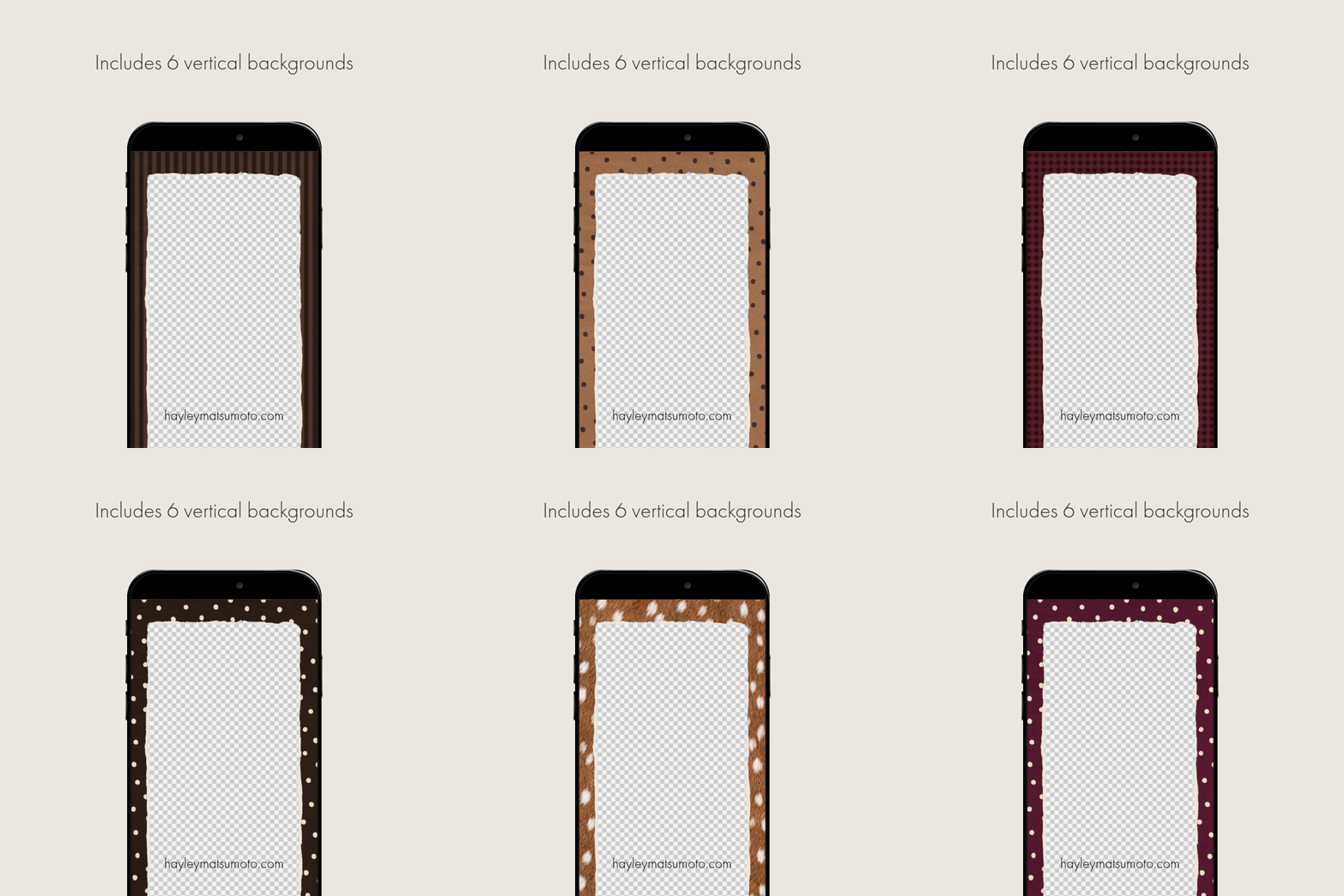
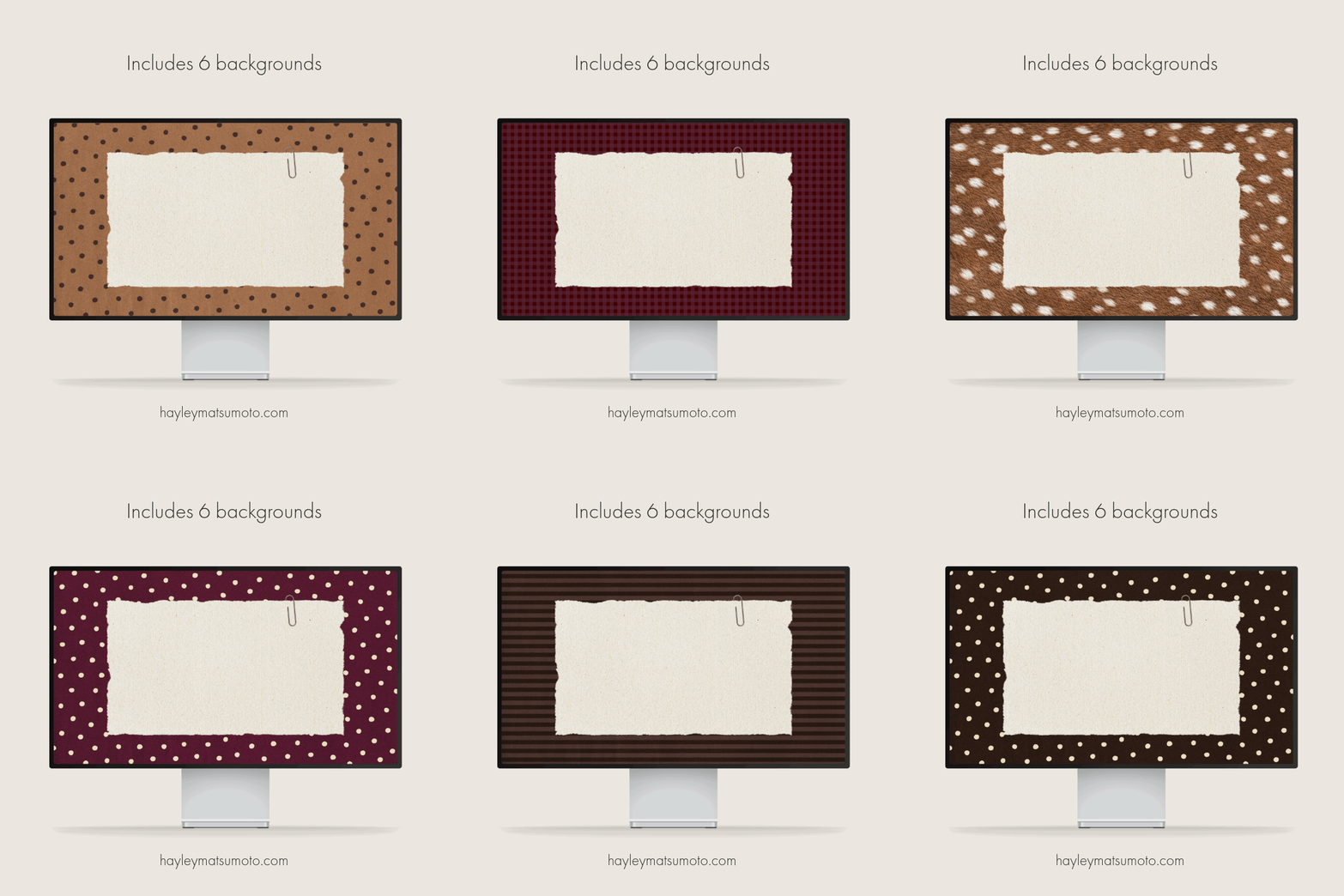
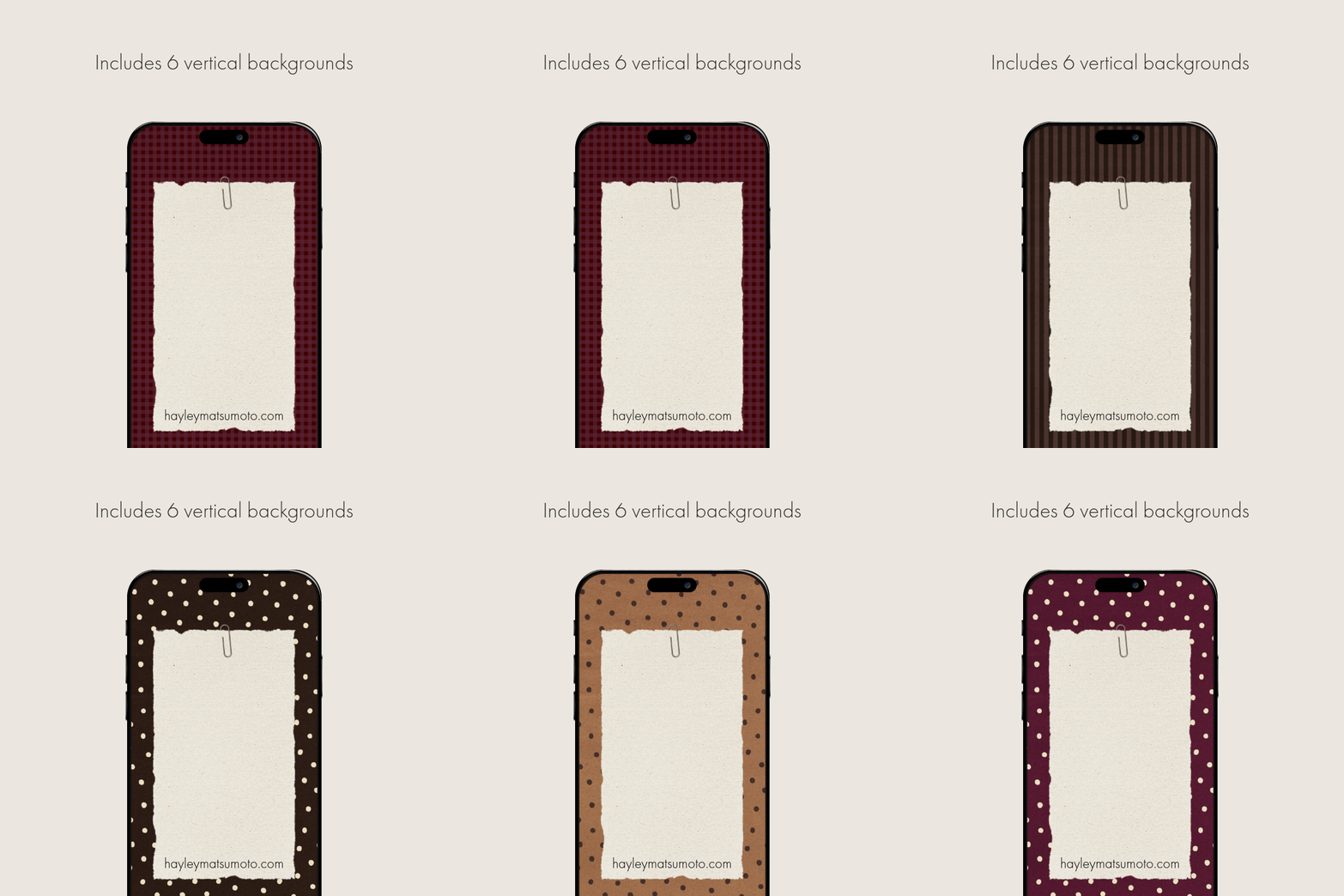
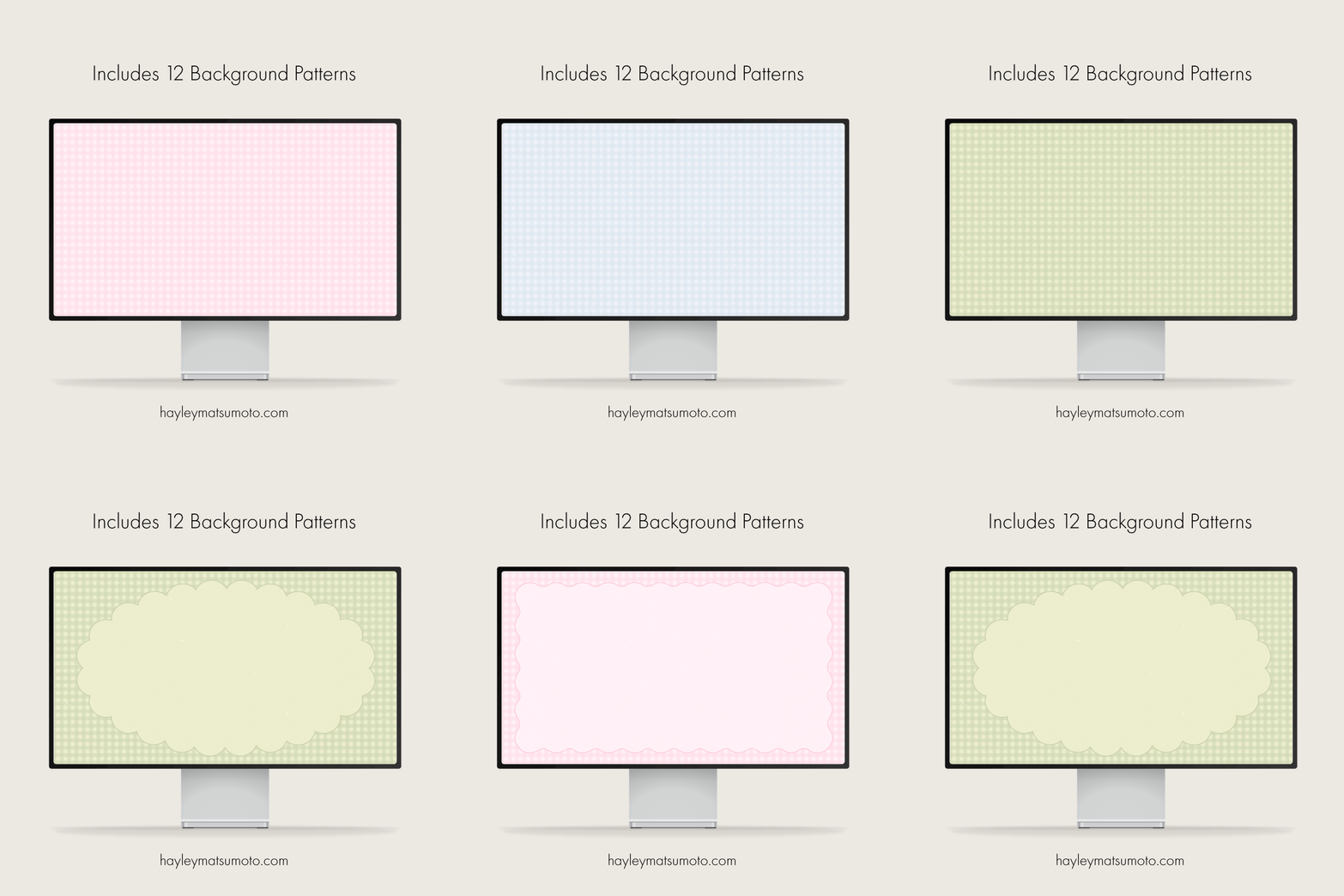
 Image 1 of 7
 Image 2 of 7
 Image 3 of 7
 Image 4 of 7
 Image 5 of 7
 Image 6 of 7
 Image 7 of 7
FAQ
How can I unzip product files?
PC: To extract a single file or folder, double-click the compressed folder to open it. Then, drag the file or folder from the compressed folder to a new location. To extract the entire contents of the compressed folder, right-click the folder, click Extract All, and then follow the instructions.
Mac: Double click the .zip file, then search for the product folder or product file.
Can I use this with my editing software?
Yes! Compatible with Final Cut Pro, iMovie, Premiere Pro, etc.! I do suggest using them on a desktop or laptop not on your phone. Please make sure your software accepts transparent .MOV files)
Terms and Conditions
This set is for your personal use only and it may not be shared, copied, reproduced or duplicated in any way.
No refunds due to the nature of digital items.
This listing is for digital files only. No physical items will be shipped.
You are not allowed to resell, redistribute, or use these files in any way.